Cheetah Smart for QuickBooks Online

Cheetah Smart is an ERP built for small and medium-sized manufacturing and distribution businesses — sales orders, purchasing, production, and inventory in one connected system, designed to be easy enough that a whole team can use it, not just the person who set it up.
The QuickBooks Online integration keeps your accounting data connected to the rest of your operations: customer and invoice records stay in sync between Cheetah Smart and QuickBooks Online, so you're not maintaining the same information in two places or reconciling it by hand at month-end.
What Cheetah Smart does
- Sales Orders & Quotes — a live pipeline from quote to delivery, with fulfillment status pulled from inventory and production automatically.
- Manufacturing Orders & BOM Builder — production planned and tracked against real inventory, with shortfalls automatically raising a linked purchase order.
- Purchasing & Vendor Management — reorder suggestions calculated from stock level, reorder point, and vendor lead time.
- Inventory — materials, parts, and finished goods unified in one live stock view.
- Data Manager — export or import your own data at any time, in your own format.
See it in action
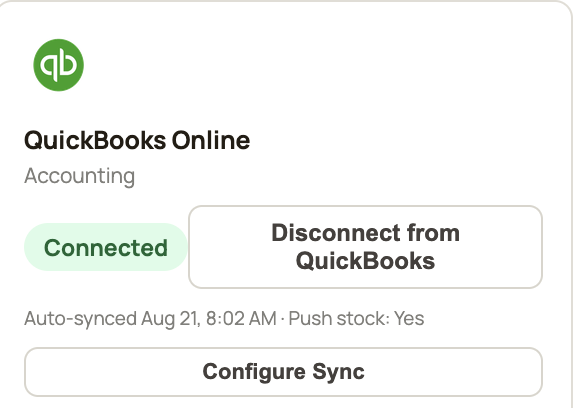
The QuickBooks Online connection
Connecting QuickBooks Online is optional and managed entirely by the business owner or an authorized manager, from Settings → Integrations inside Cheetah Smart. Once connected, sync happens automatically in the background — there's no manual "sync now" step. A business can disconnect at any time from the same screen.
Support & Privacy
Questions about the app or the integration, or need help with your account?